

WordPress Optimisation
If your WordPress site has slow response times then we can perform a full audit to identify where the problem lies. We can optimise poorly written code, apply a number of caching solutions, recommend server software or hardware updates and various other checks to improve load times and user experience for your customers.
The WordPress site optimisation service will ensure that your WordPress website has no problems whatsoever.
Speed Up, Stand Out: Transform Your Website with Expert WordPress Optimisation by Sniro✱
Speed Up, Stand Out: Transform Your Website with Expert WordPress Optimisation by Sniro✱
Speed Up, Stand Out: Transform Your Website with Expert WordPress Optimisation by Sniro✱
Speed Up, Stand Out: Transform Your Website with Expert WordPress Optimisation by Sniro✱
Speed Up, Stand Out: Transform Your Website with Expert WordPress Optimisation by Sniro✱
Speed Up, Stand Out: Transform Your Website with Expert WordPress Optimisation by Sniro✱
Improve caching
Every time a WordPress page is loaded, information is retrieved from your database and CSS files, and is combined into HTML file which can be loaded into the visitor’s browser. This takes time. Caching keeps those HTML files available for future visitors, saving significant time. It can help improve the page load times and the overall user experience. There are various ways to improve caching in WordPress.

Install Updates
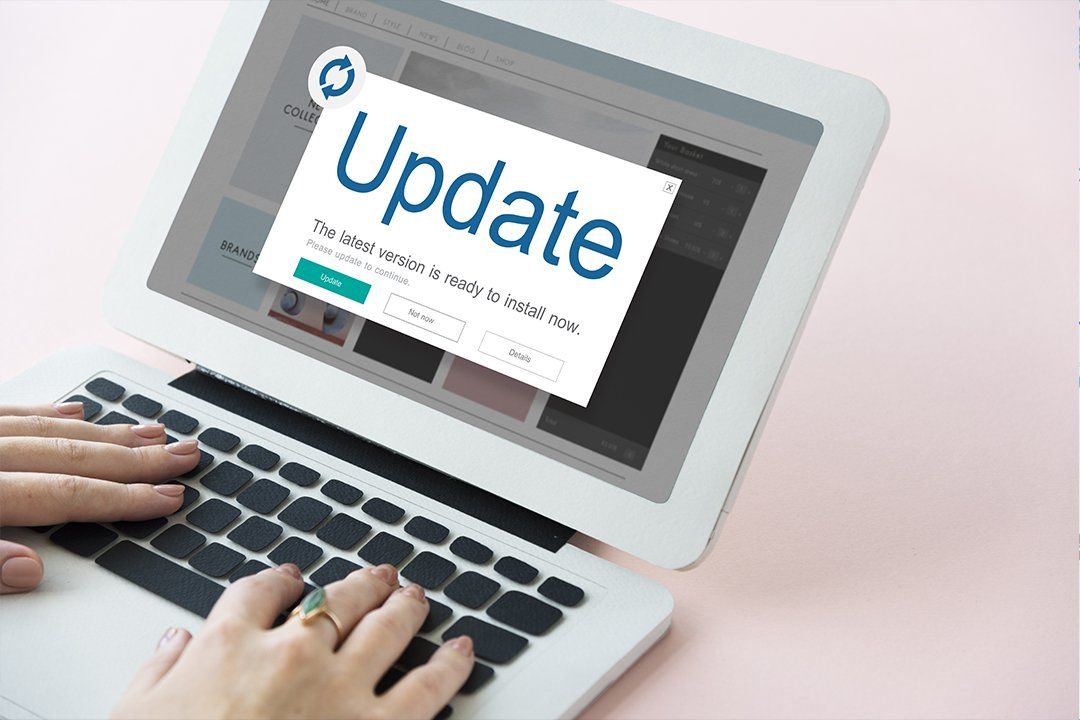
With each new release of WordPress, developers fix bugs, patch security vulnerabilities and enhance existing features to stay up to date with new industry standards. So not updating to the latest version obviously puts your website at risk. We recommend updating WordPress, themes and plugins on at least a monthly basis. This ensures they will stay compatible with each other and also prevents hackers from getting in and uploading malware. If you don’t update, you may end up being hacked sooner rather than later. Any business owner that’s been through it will tell you how painful that can be.
Call us on 020 3637 3935
Our friendly WordPress experts are happy to answer your questions.
Optimise images
Images are one of the heavier elements of your site they make up over 65% of web content. Compressing and optimising images for your website is to retain the quality of the image while reducing the overall size. The aim is to keep the image file size as small as possible to improve page load times. There are various ways to do this in WordPress.


Optimise Database
WordPress pages load from mySQL database. Over time, the database may contain a lot of information you no longer need and that may affect the performance. Optimising your database comes down to deleting extra information, organising the tables, deleting stale content and getting rid of backups and spam. You will find a significant improvement in the performance after doing this.
Call us on 020 3637 3935
Our friendly WordPress experts are happy to answer your questions.
Our Process

Trusted by
350+ Clients High street retailer B2B Business B2C Business
Loading reviews...